Depth of field you can see rather than read, recording time on the actual card, four exposure dials that balance each other like a real camera, every sensor drawn to scale, and where the sun and moon will be when you get there.

Every tool works right here, on a computer, an iPad or a phone — no account, nothing to install.

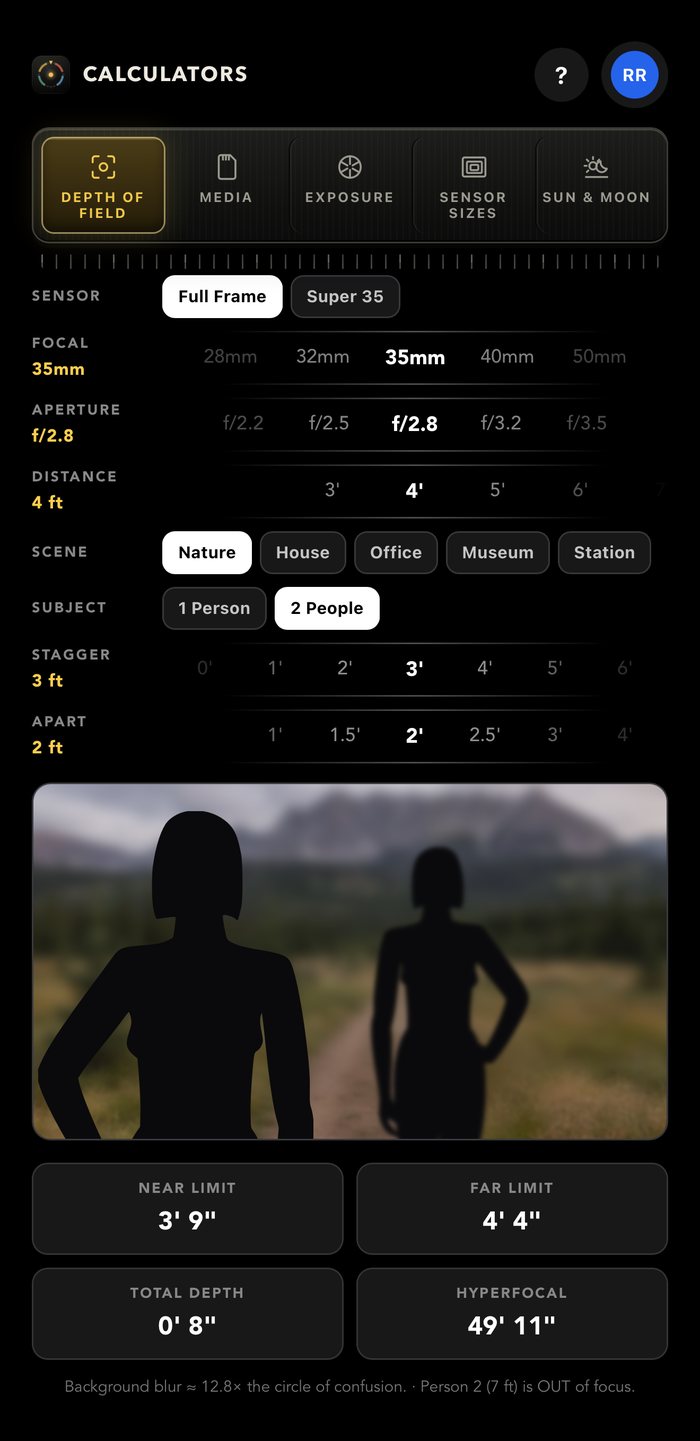
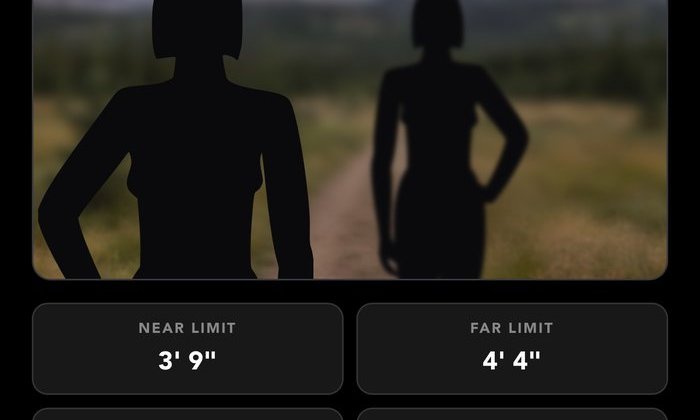
Near and far limits, hyperfocal distance, and a picture of the blur.
Open calculator →
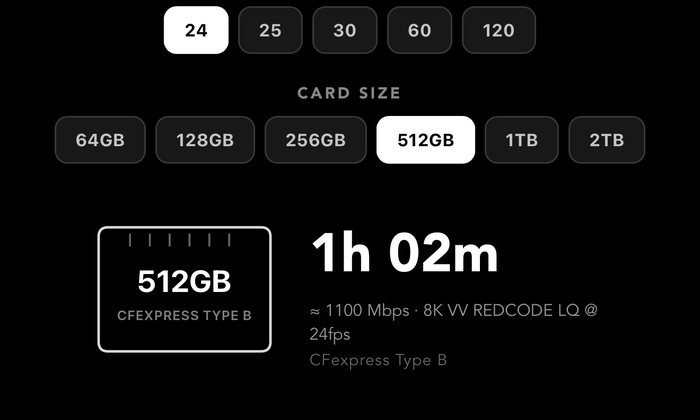
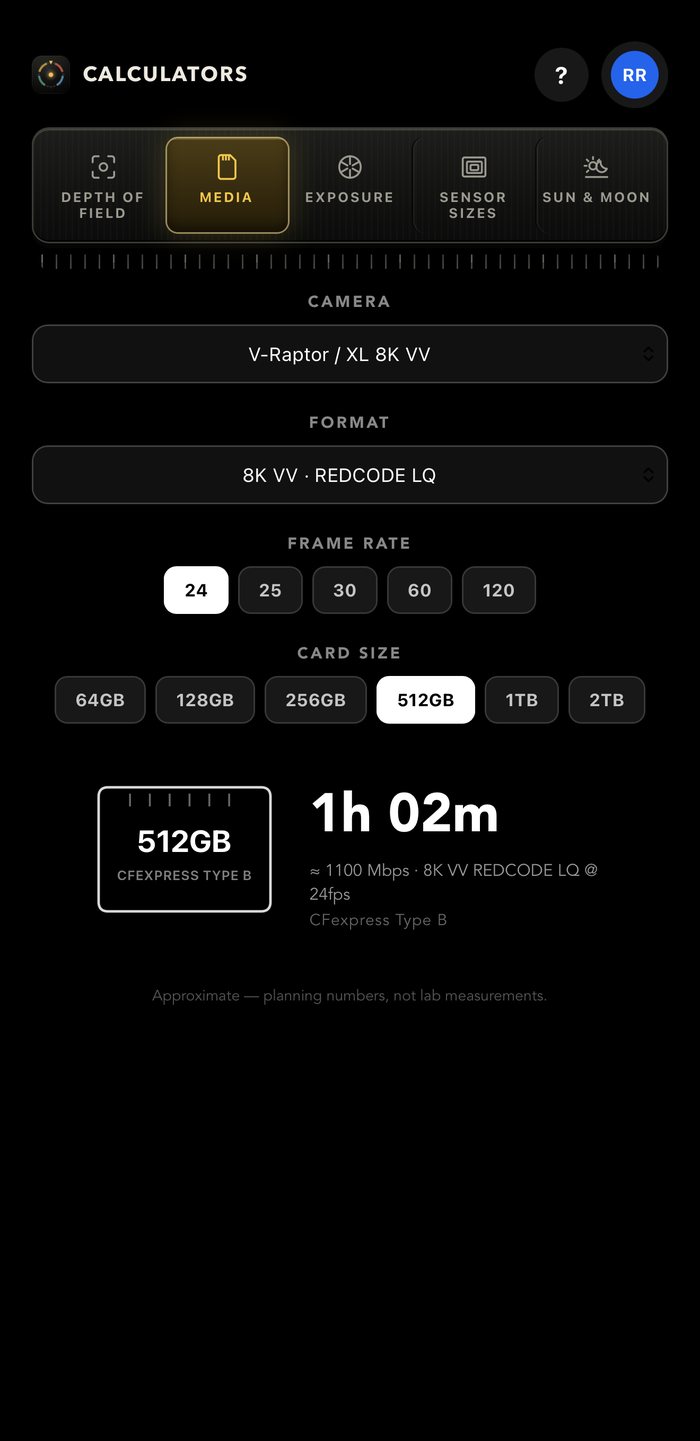
How much footage fits on a card, for 57 cameras.
Open calculator →
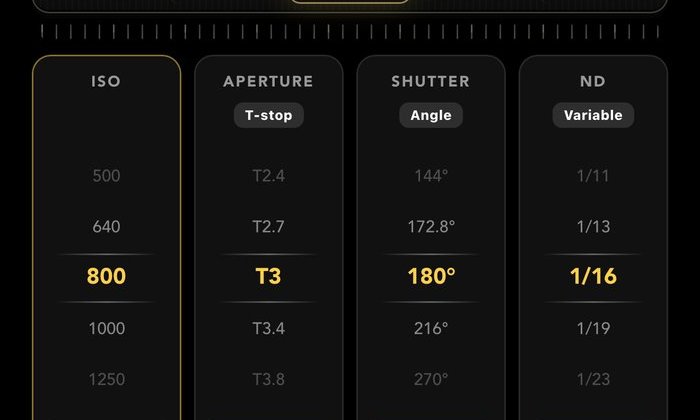
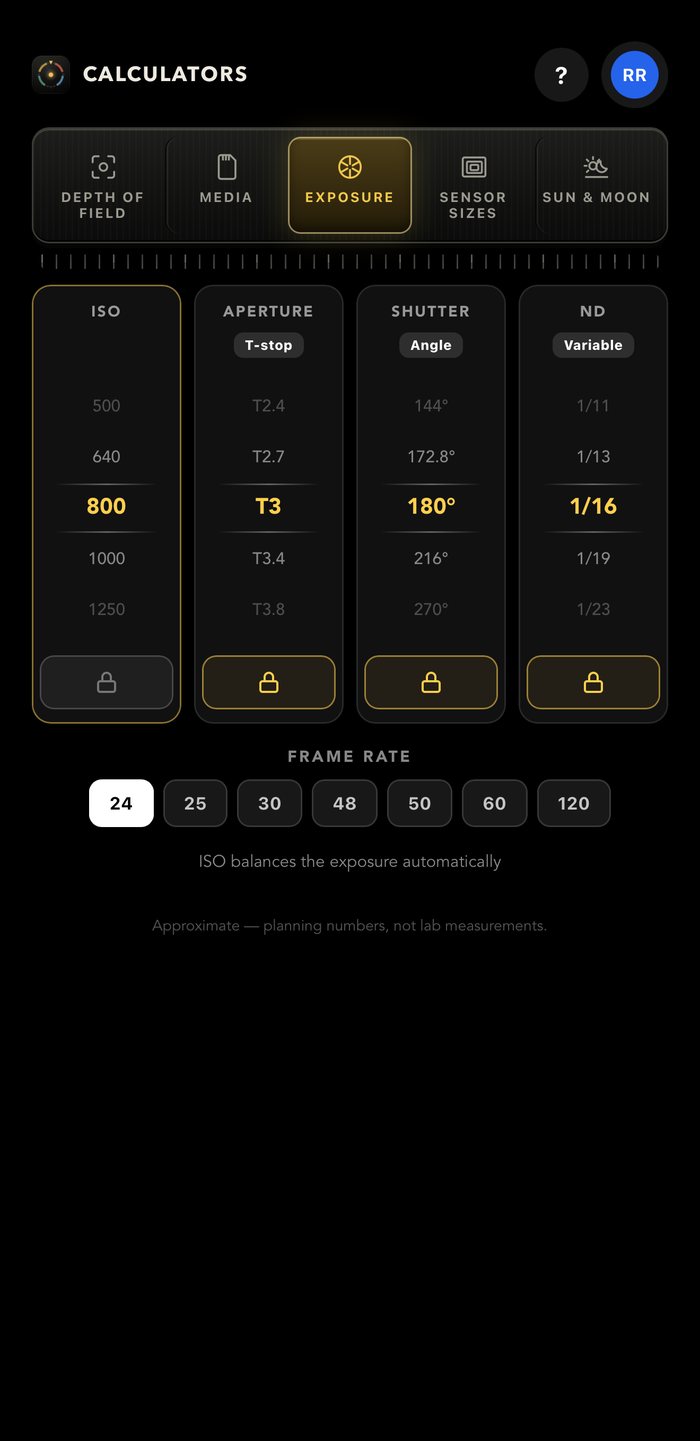
ISO, T-stop, shutter and ND. Lock three; the fourth holds your exposure.
Open calculator →
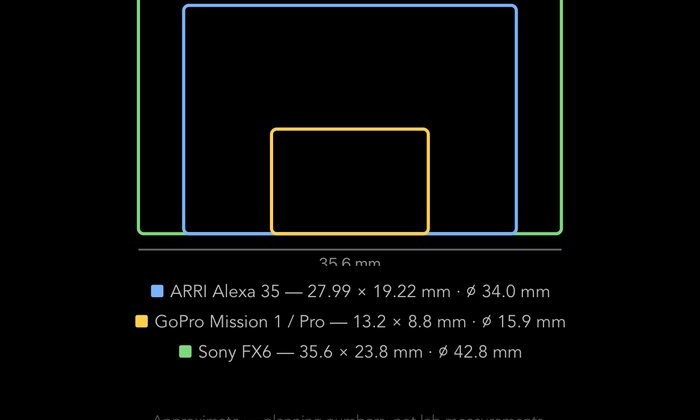
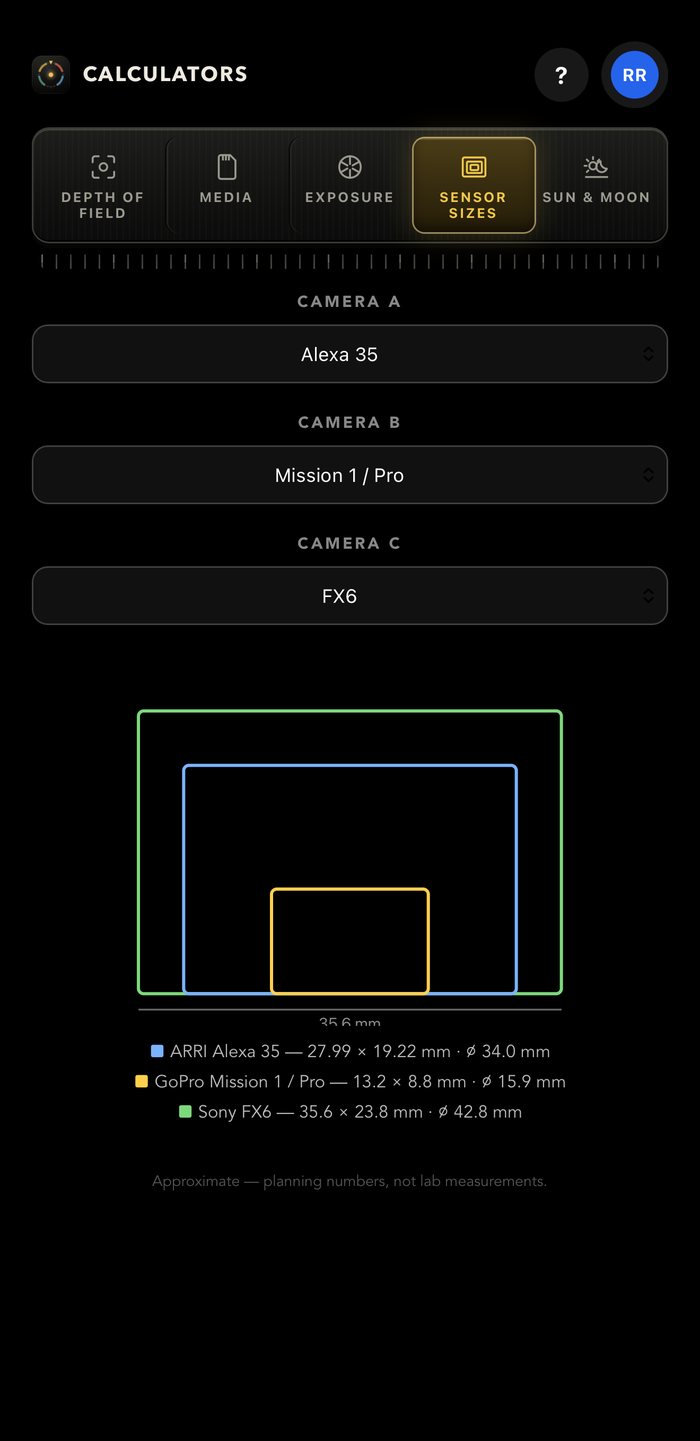
Any three of 67 sensors, drawn to scale, with crop factor.
Open calculator →
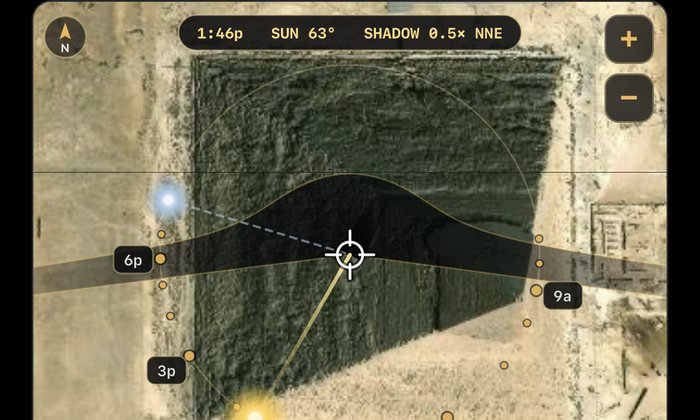
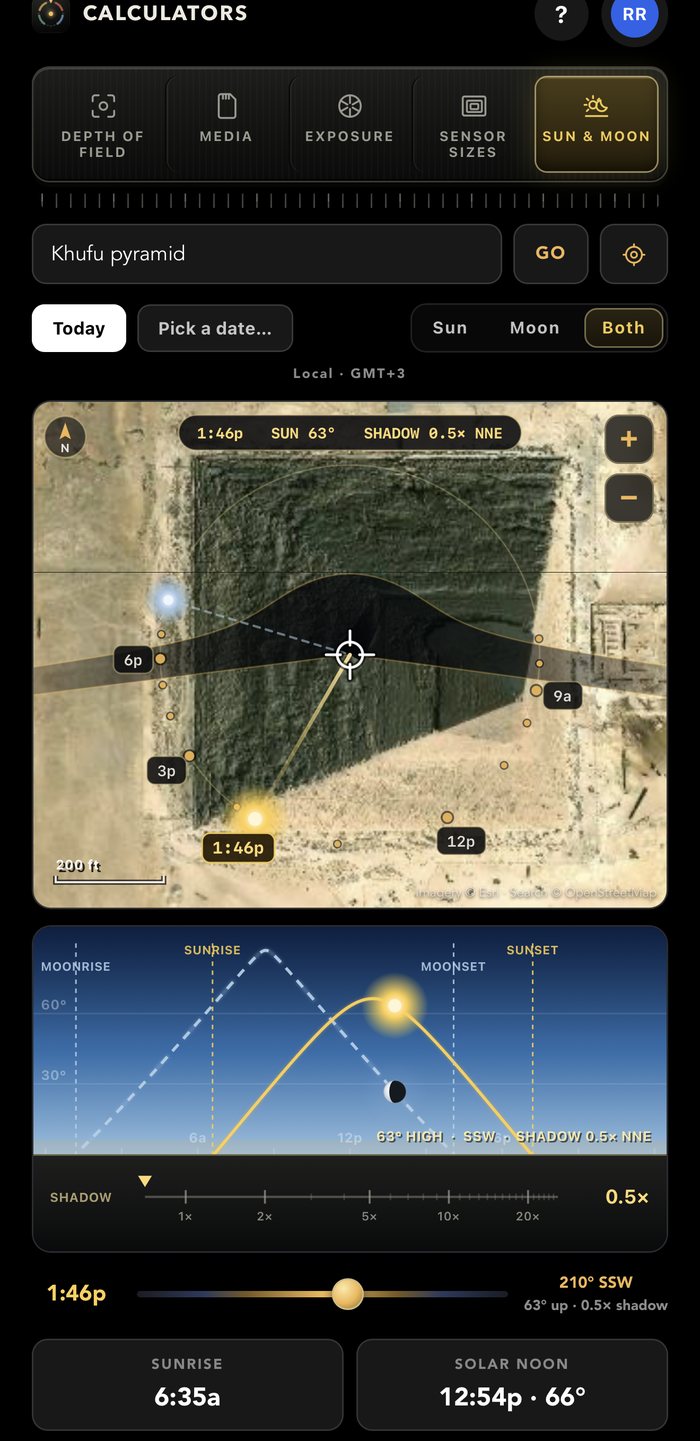
Sunrise, golden and blue hour, the moon, and the sun on a map.
Open calculator →The same calculators as an iPhone app, free with any CamPlot account. It remembers your camera, your stop and your location.
Download on theApp StoreNot spreadsheet rows with a Calculate button. Every tool is a set of dials and rollers you turn, and the answer moves while you turn them — so you can feel the trade rather than solve for it.
Pick a scene, roll focal length, aperture and distance, and watch the depth actually change in a photograph — near ground, subject and far wall each defocusing by their own distance, the way a lens does it.

Forty-seven real cameras with their actual recording formats and data rates — ARRI, Sony, RED, Canon, DJI and GoPro. Pick the format, the frame rate and the card, and read the answer off a drawing of the card itself.

ISO, aperture, shutter and ND, standing side by side as gear columns. Lock what is fixed, roll what you are changing, and the free dial travels to the value that holds the exposure — in third-stops, on real ladders.

Drop the crosshair on the location and the map shows the ground your subject shades across the whole day, with the hour ring reading where the sun is — not where its shadow lands. Then scrub the day in section and watch the altitude, the sky and the shadow move together.

Put any two or three sensors on top of each other, drawn to scale and dimensioned, from a GoPro to an Alexa 65. Nobody has to take anybody's word for what a crop factor means.

Every calculation runs on the device. Even the time zones are on board, so the sun times are right in a canyon with no bars.
Close it mid-thought and it comes back on the same tool with the same camera, the same stop and the same location.
Feet and inches or metres, throughout — including the shadow lengths and the depth-of-field limits.
On a phone, one milled rail and a sideways swipe. On a big screen the rail moves to the side and each tool opens up — a focus ruler, every card at every frame rate, the numbers behind the dials.
The same five tools are in CamPlot Creator and the Director’s Viewfinder, so you are never in the wrong app for the number you need.
Where a figure is a planning number rather than a lab measurement, it says so on screen.
All five tools are open on this site — no account, nothing to install. In the iPhone app they are free with any CamPlot account, including CamPlot Crew, which is free forever. There is no upgrade to reach for.
In the app, sign in with a free CamPlot Crew account and every dial is live. Signed out, the app runs as a locked demo so you can see the whole thing first. In your browser, every dial is live already.
Adds the full Director’s Viewfinder, private markup and PDF export on plots shared with you.
Everything in CamPlot Plus, plus building and sharing your own multicam plots in CamPlot Creator.

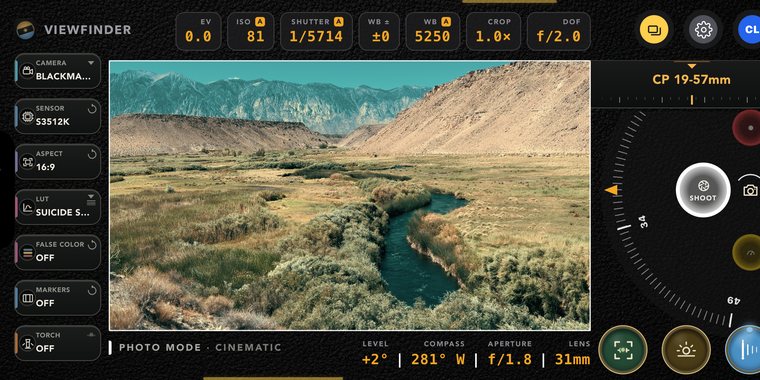
Pick any cinema camera and lens and frame the real shot, with LUTs, focus and exposure.
See Viewfinder →
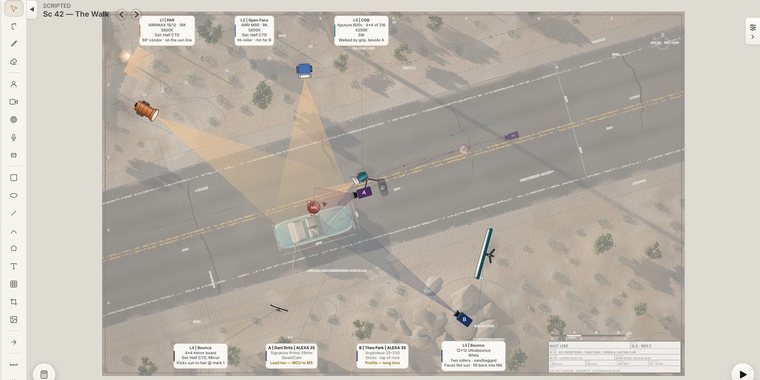
Plot every camera, light and mic on the ground plan, send the reports, and share it live with the crew.
See Creator →Built by a working director, and used on network television productions.