CamPlotCreator
For live events · general sessions, awards, galas, worship
Plot the whole show before load-in
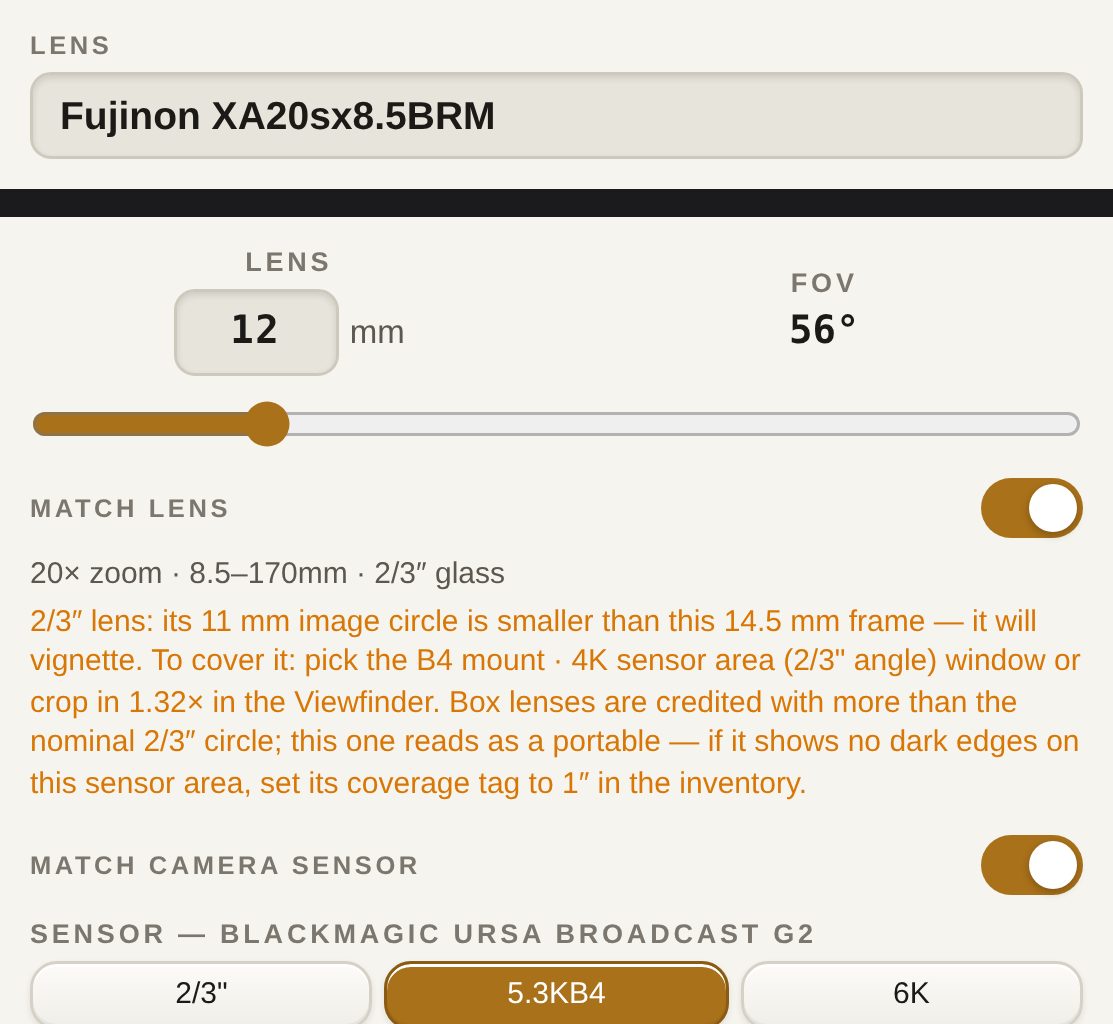
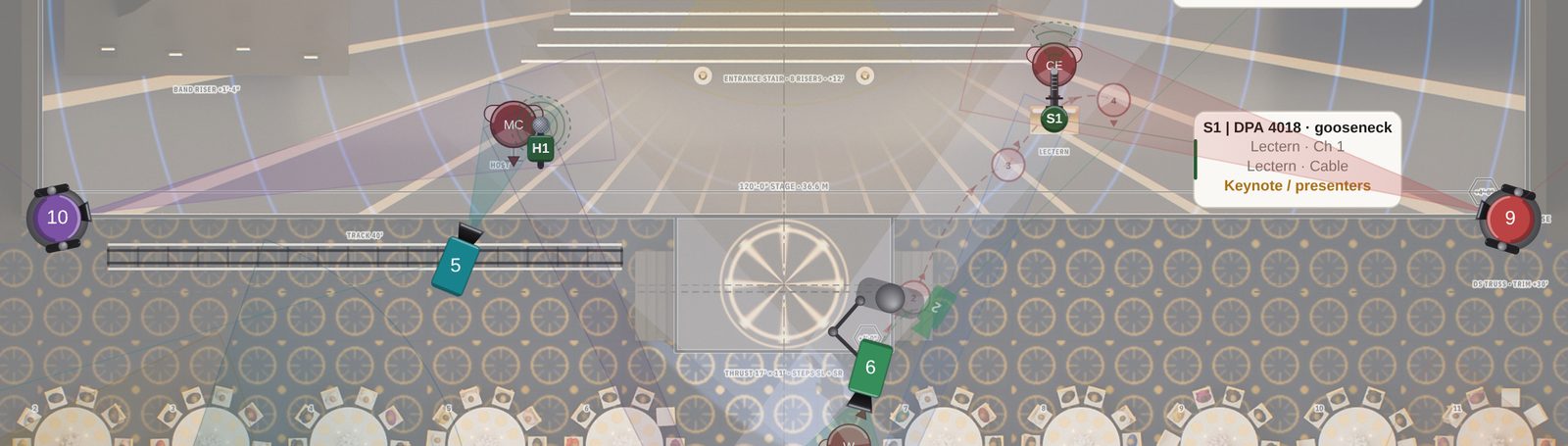
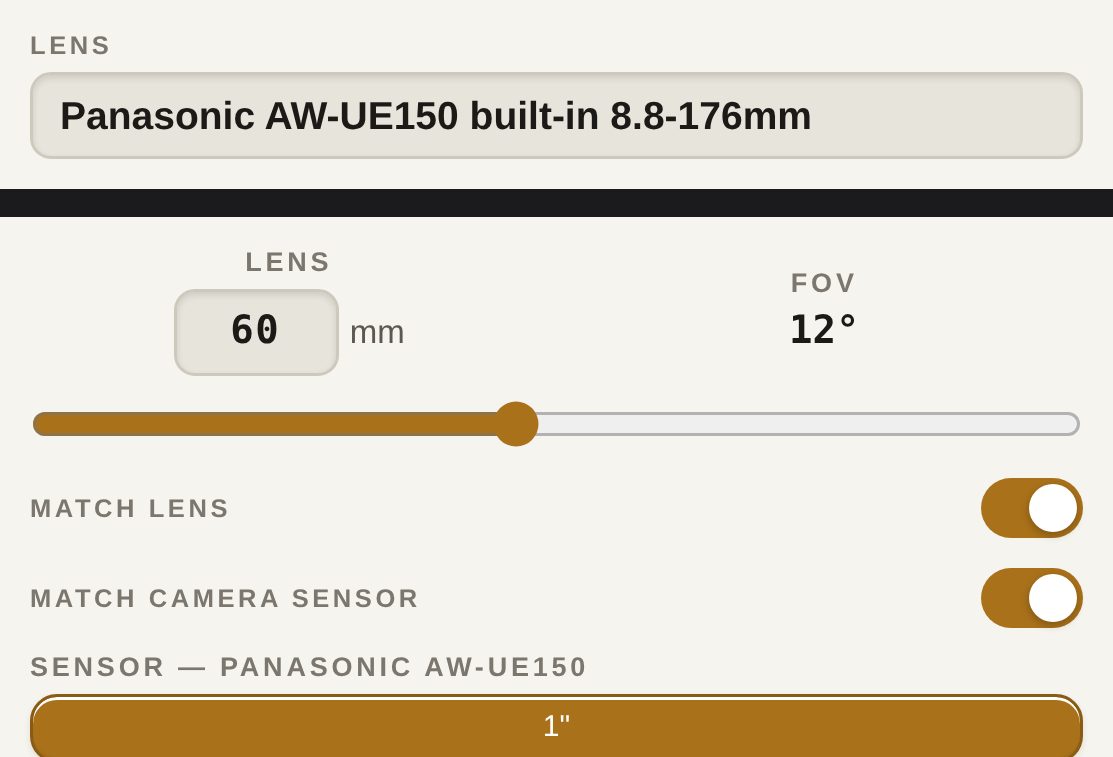
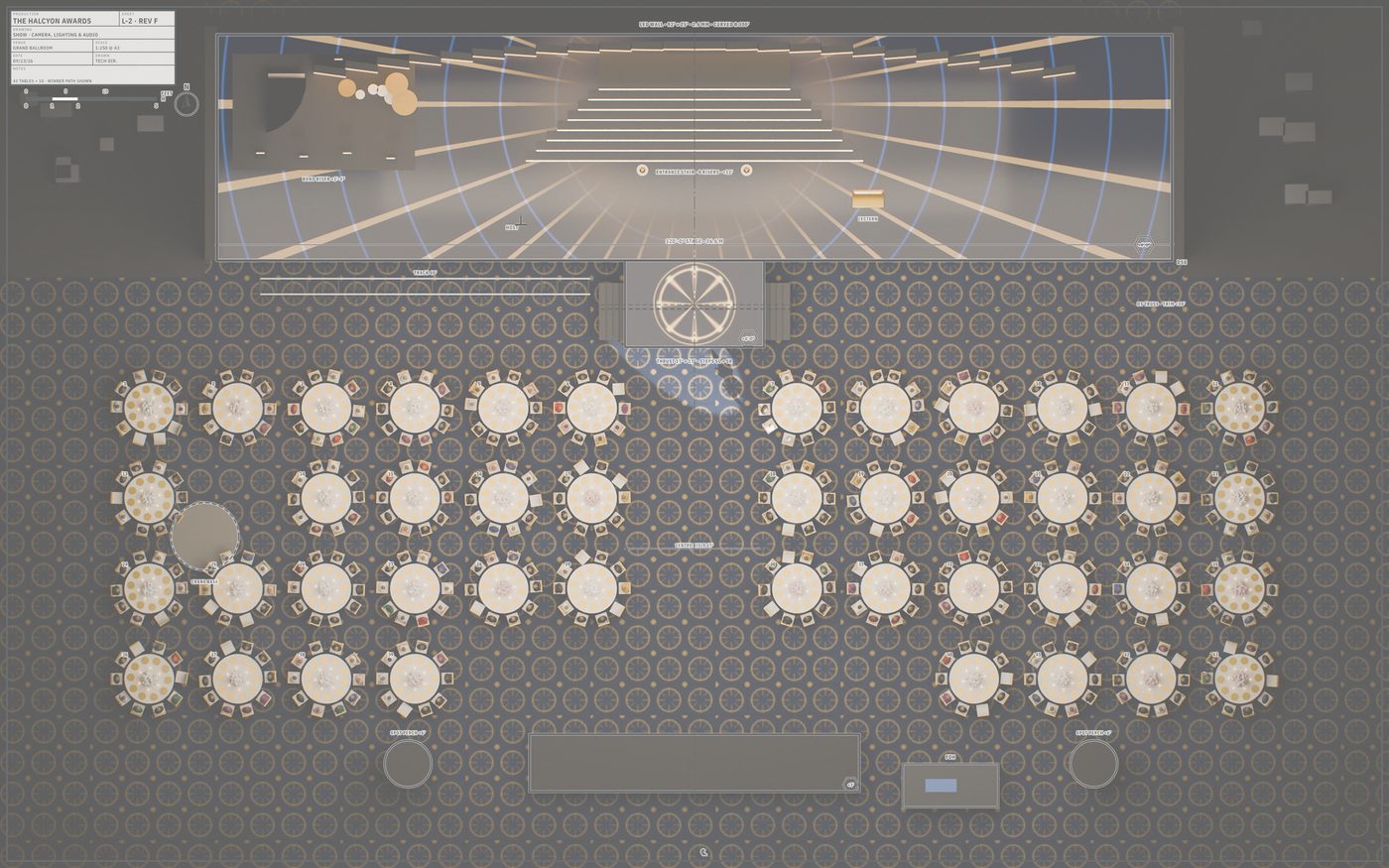
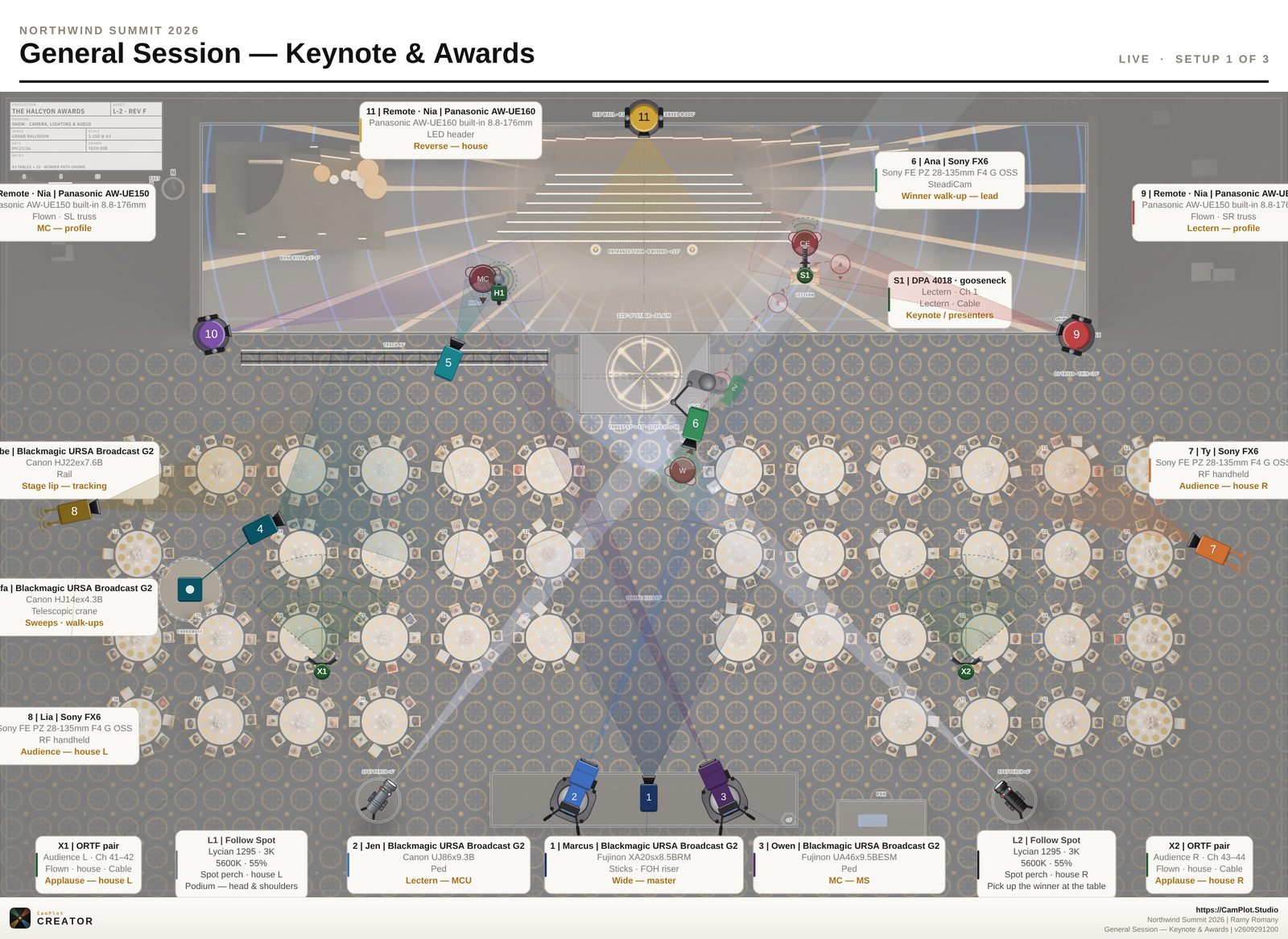
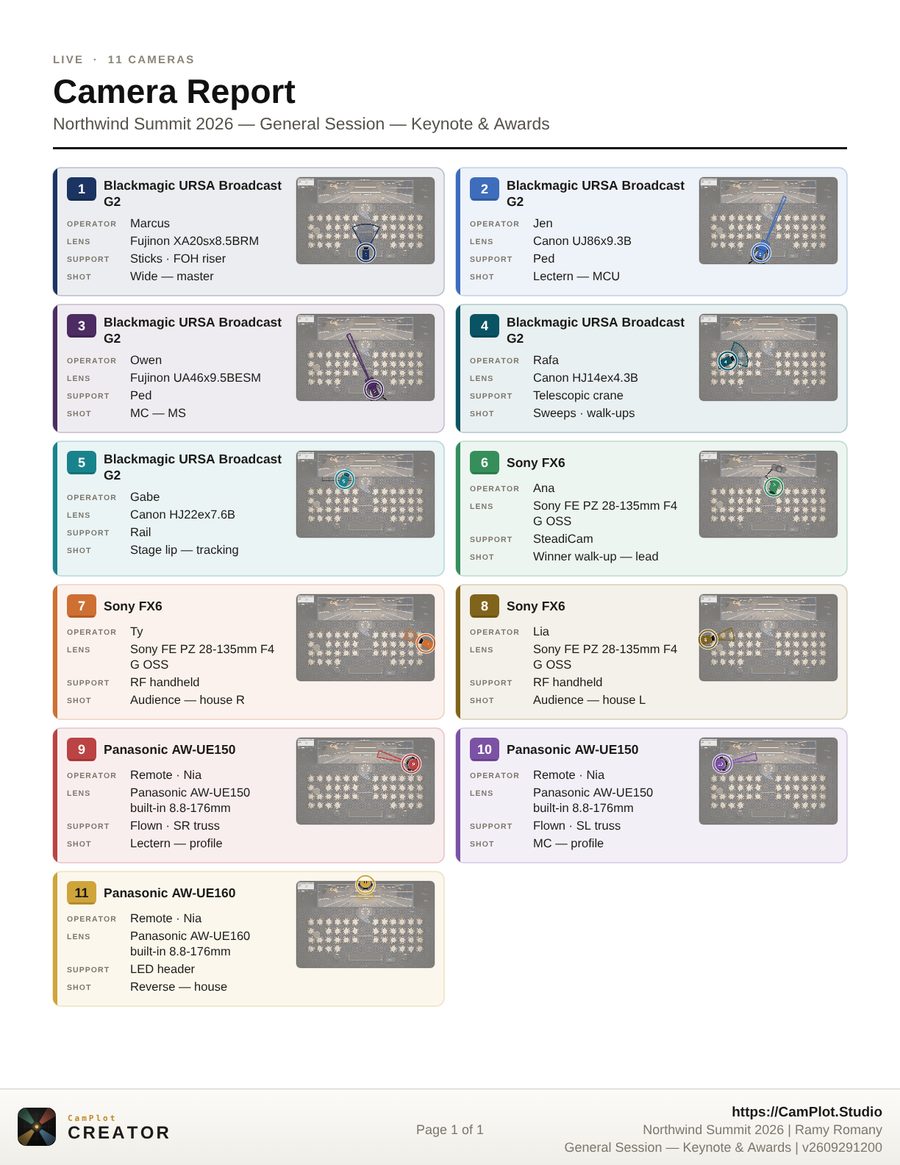
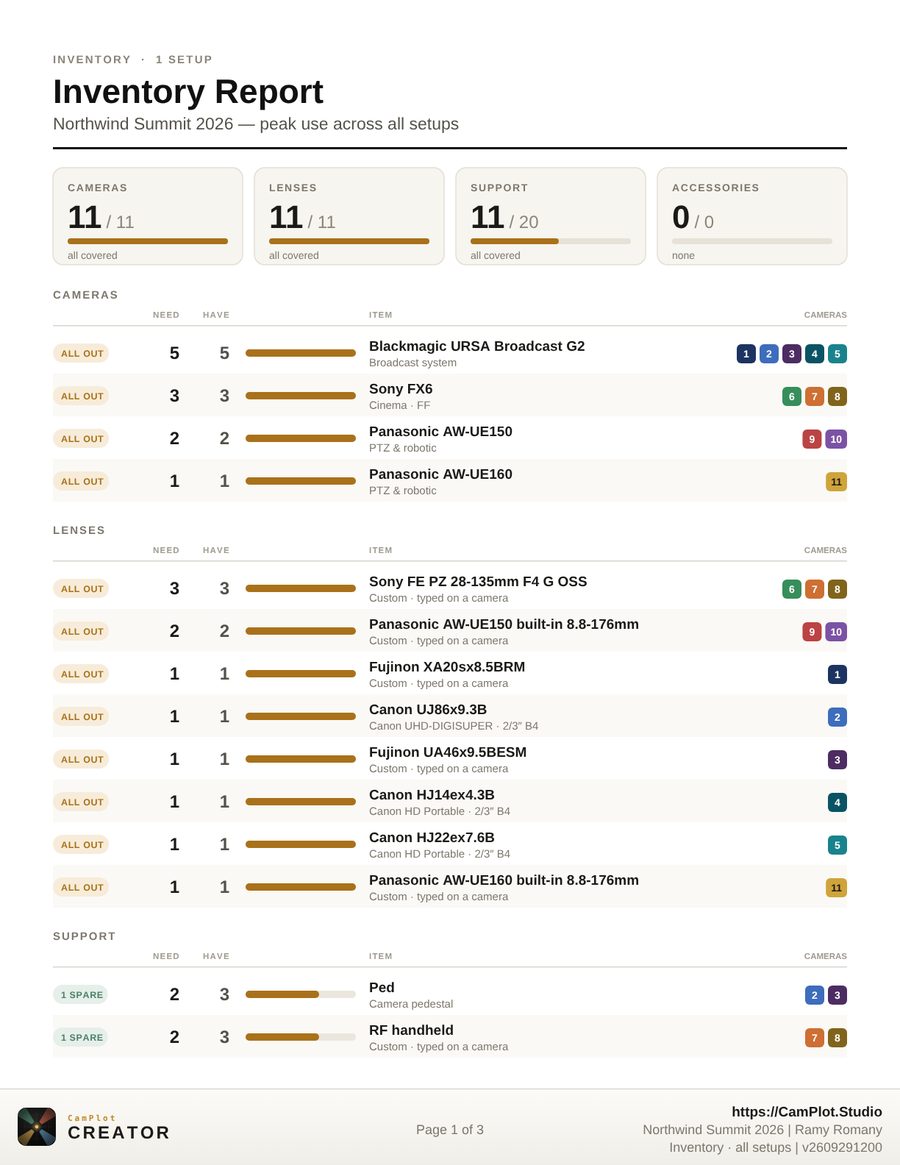
URSA Broadcast G2s with B4 glass, flown PTZs, the jib and the RF cameras — every position on one to-scale plan of the room, with a PDF the client can read and the gear list for the rental order.
No install neededStart plotting in your browser
Or get it for
Get it for iPhone & iPad →
Get it for Mac →
Get it for PC →
Get it for Android →
Free to start · Your crew views for free · Team seats for production companies
URSA Broadcast G2Fujinon · Canon B4Panasonic AW-UE150 · UE160Sony FX6Jib · rail · SteadicamFollowspotsWireless mics
The tour · 2:58
Every feature, in three minutes
The real app, start to finish: a project and its setups, a ground plan at true scale, cameras, lenses, lights, mics and cables, then the report and the live link your whole crew works from.
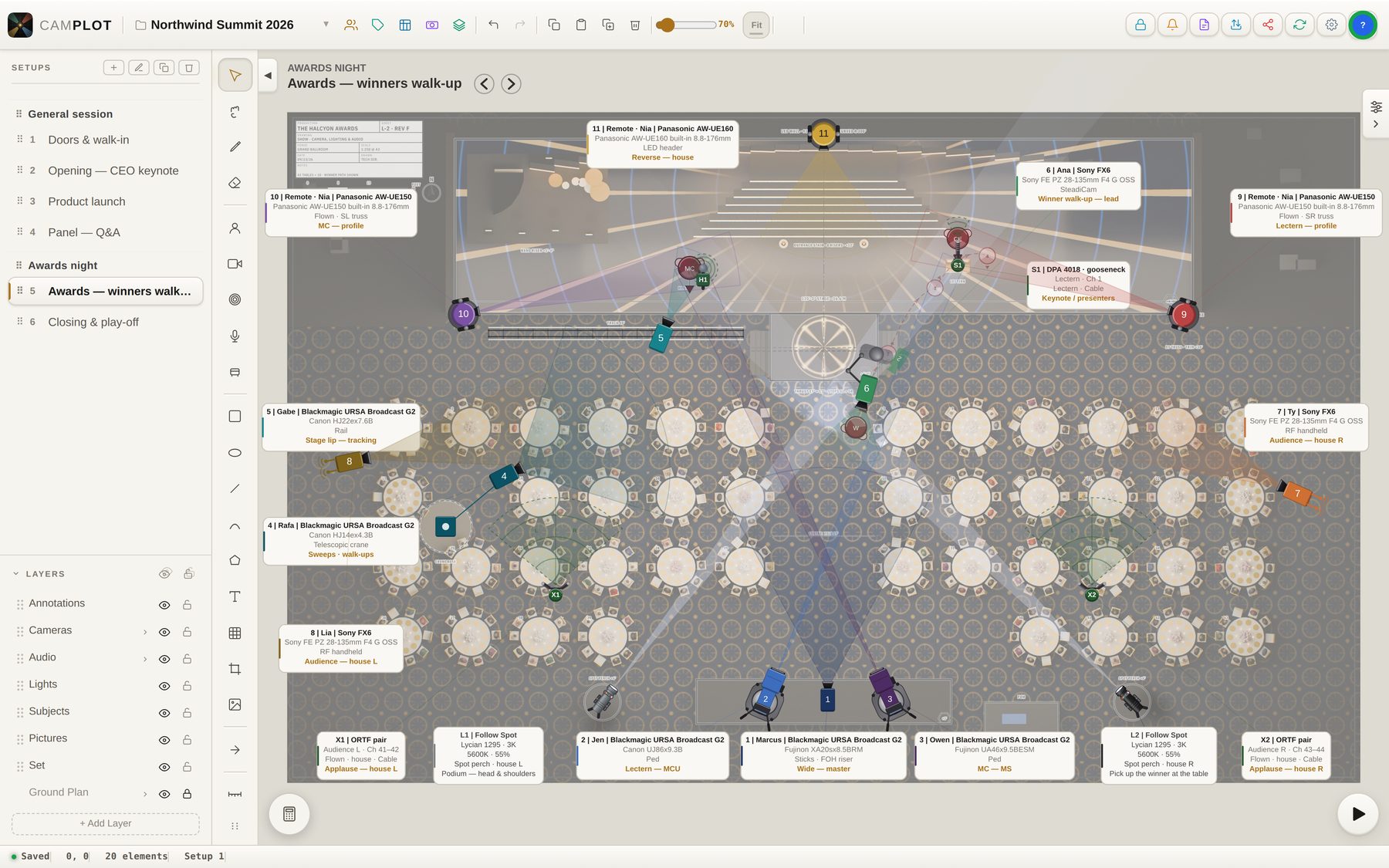
Mac · Northwind Summit, Awards night — 11 cameras, 2 followspots, 4 mics